
Hey, Hey, Hey! How are you? I would love to start blogging regularly again. It’s a process and a journey. Anyway, thank you for stopping by.
When I first wrote this blog, I was going to directed you to my Etsy shop. That’s now different. I keep getting lost in my crafting. Initially I had dreamed about writing. Unfortunately or unfortunately I often find things to do other than writing. So my love for writing kept getting lost in my other endeavors.
Anyway, I’ve gone digital with my planning. I still love the feel of paper over pen, but I wanted to not use so much paper. Over the last few years I’ve added digital planners that you can use for Good Notes. I don’t know about you, but I like a bit of color in my note pages.
I experimented with digital planners. Up until a few years ago, all of my planners were paper. I like paper. I actually still do. A lot of times I need more than just one planner, I have one that just stores dashboards, one for inserts (I have extras from printing or inserts I purchased), and then several for planning different things. When I stared tutoring, I created digital pages that would hold all the information that I needed to track my schedule. That gave me the idea to create a teacher planner. Have no clue why I didn’t think of it before. As a teacher, I had a book for lessons, a book for grades and information and notes. Tutoring made me think of a way to put those all together.
So I created 2 teacher planners and put them in my shop. They both include blank pages, lesson plan pages, attendance, student information and grading pages. They also include a calendar and notes pages. Everything you would need to take with you in one place. There are even stickers that are included with your purchase that come in a zip file. Funny thing is, I went back to a blank journal the following year. I was teaching remotely and having my planner on the computer I was using to teach just wasn’t it.
The reason I like the idea of a digital planner, is because it’s easy to walk with. If you have Good Notes or Evernote, everything is right there. I don’t need to walk with my large planner, just my device. But that wasn’t the reason for adding it to my resources. I like to spread out. Using my device means I would have to pull up multiple pages or go from page to page. (my digital planners have tabs that you can click on to go from section to section) Using my paper planner alone means the same thing. Using both as a compliment to the other, means I can use my device and my paper planner. I can track the things I need to record. I don’t think I’m explaining it right. My paper planner is to record my day to day life. My digital planner is just for my travel business. (It’s on pause now.) Using both, I can make sure there is nothing missing and add what I need to add to the other.
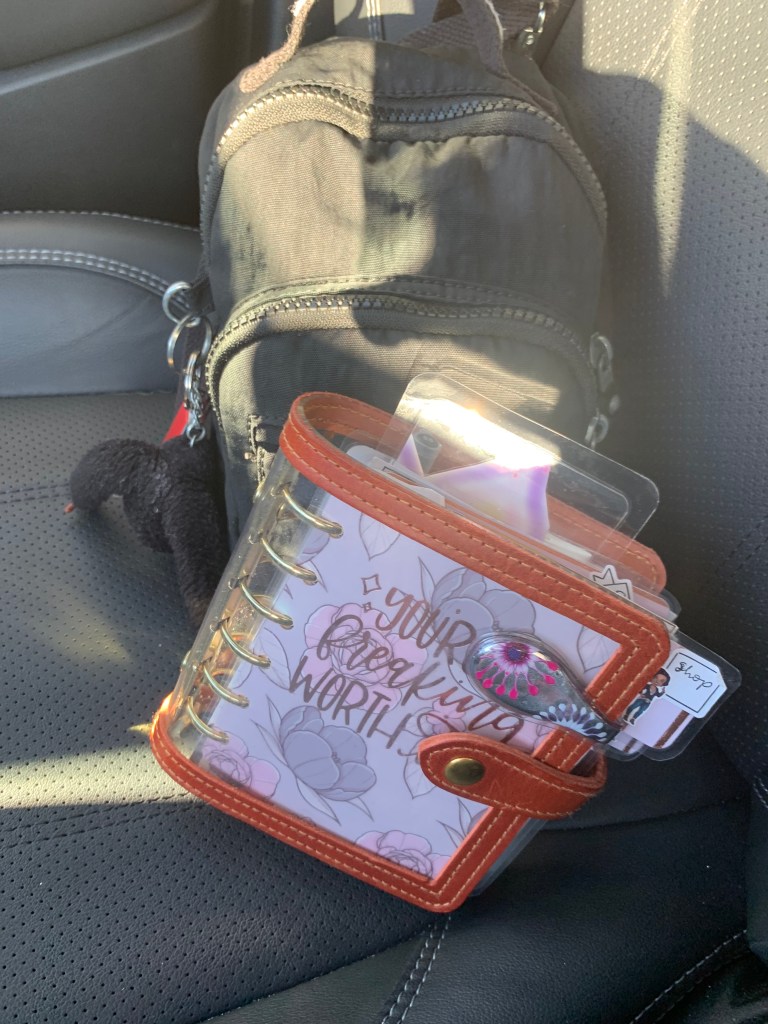
You may think 1 planner is enough, but I have always used multiples. One for each major thing going on in my life. I tried to just use one. I’ve narrowed it down actually. I use undated planners and just make copies in Goodnotes. I just started using OrganizeMe planner for 2024. Before that I used the Million Dollar Habit planner. I’ve collected a lot of digital stickers between those I bought with the digital planners and the ones I made.
Well that’s said and done. I love the access of digital planners. BUT I miss the paper as well. So I am stuck in the middle. So I flip and flop back and forth between the two. I don’t decorate my digital planner anymore this year. It’s for keep records I can access on the go. At home right now, I’m using the board my son left behind when he moved. It doesn’t get any better than being able to see your schedule without turning a page or your paper calendar getting lost under your desk.
I started this post a year ago and thought I should still post it. My book is done and was published this Spring. Make sure you check it out. Crimson Awakening; The First Line. It’s also available worldwide on Amazon, Apple and a few more.
Until next time, Peace and Love.
 Leticia Edghill
Leave a comment